AR Sandbox – Devlog 1
AR Sandbox is my next project. It’s a mobile augmented reality app designed to integrate various functionalities and use cases. Built on Unity, AR Foundation, and AR Core, it’s tailored for Android devices.
I recently completed Unity’s AR Mobile Development Pathway and have been planning and starting work on this project for a few weeks. My goal is to complete it in a reasonable timeframe, ensuring it has enough features to make publishing an app with my newly acquired skills worthwhile.
The name AR Sandbox fits perfectly because it’s essentially an app for my experiments. The plan is to add content that I want to test, and in the future, I can incorporate more trials. The best part is that these tests will be available for everyone to enjoy for free.
The initial concept includes 3 scenes:
Face Filters
In this first scene, the goal is to track the user’s face using the front (selfie) camera, allowing users to choose from a variety of accessories like masks, beards, glasses, and other filters.
Some filters will trigger effects, sounds, or change the environment’s appearance upon selection.
And the best part is, once you’ve chosen your favorite filter, you can take a photo that will be saved on your device for sharing.
Adding Objects
The second scene features a similar list to the first, but this time with objects like tables, chairs, dinosaurs, and helicopters. Cool, right?
The idea is to add one or all of these objects to the environment seen through your phone’s rear camera.
It’s crucial to be able to select, move, scale, rotate, or simply delete these objects as you wish.
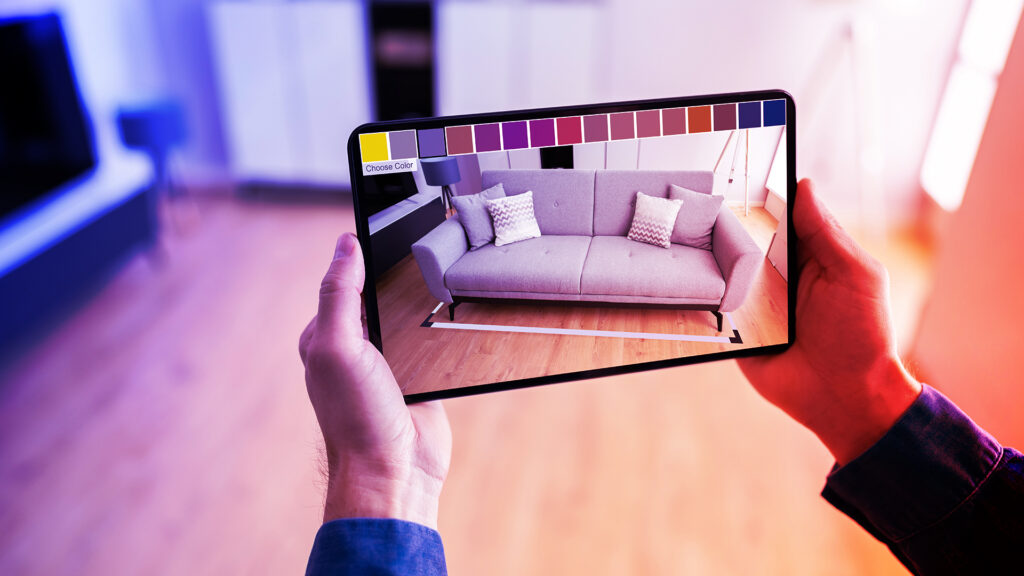
I also want to work on occlusion so that people can appear in front of or behind these objects.
Of course, all this is only possible after recognizing the “terrain” and its different horizontal and vertical planes.
Once you’ve created your ideal environment with a helicopter and a dinosaur, you can take a photo and share it.
Companion Robot
Using the same recognition of horizontal planes, you can summon your companion robot. This robot will stay where you’ve placed it and can move where you direct. You can interact with it by tapping, ensuring it doesn’t run out of battery by giving it batteries, and other actions.
The robot will respond with various animations and sounds.
For now, AR Sandbox will have these 3 screens. All assets will be free-to-use models, which I’ll credit in a special section. As mentioned, my aim is to release this app for free on Android (Google Play Store) once it’s complete.
This project is my way of showcasing my augmented reality skills with a personal touch.
I’ll be back soon with updates on AR Sandbox!

Related
Keep reading
Dec 5, 2023
AR Sandbox released
AR Sandbox it's finally here, though not exactly as I expected! I would have preferred it to be on the Google Play Store, but after two weeks of struggling to get the app accepted with no success, I've given up. Instead, I've uploaded the .apk to itch.io. I've also scaled back the development a bit. […]
May 7, 2024
Modern tribute to Snake
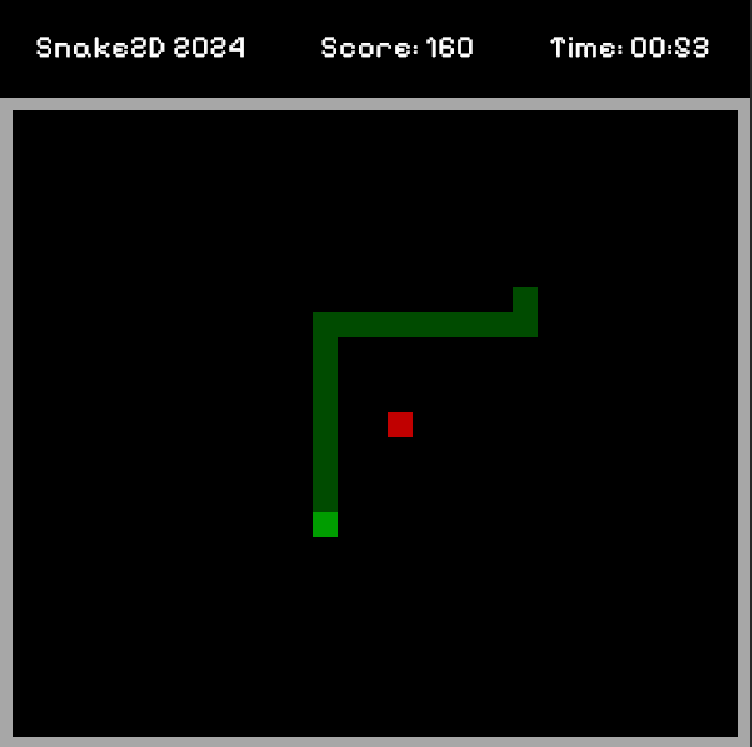
A few weeks ago, I needed a break from my routine, to step away from the daily grind and make a game. Just like I did last year when I started my adventure in video game development. Simple games, imitations of classics. This time, it was Snake's turn. I titled the game Snake 2D 2024. […]

Nov 2, 2023
Oh My Shape! playable in browser and Windows
Hello there! Yes, I've successfully ported Oh My Shape! from mobile to Webgl and Windows. Now you can play it directly in your web browser or download it from https://dekrud.itch.io/oh-my-shape and remember you can play my other games here also: https://dekrud.itch.io/ This has been my first experience in transitioning a game specifically designed for one […]
Discussion